Our website uses cookies to enhance your browsing experience.




 Contents
To configure quality gates, open to the Management > Quality gates page. Only users with the Project management permission can access it.
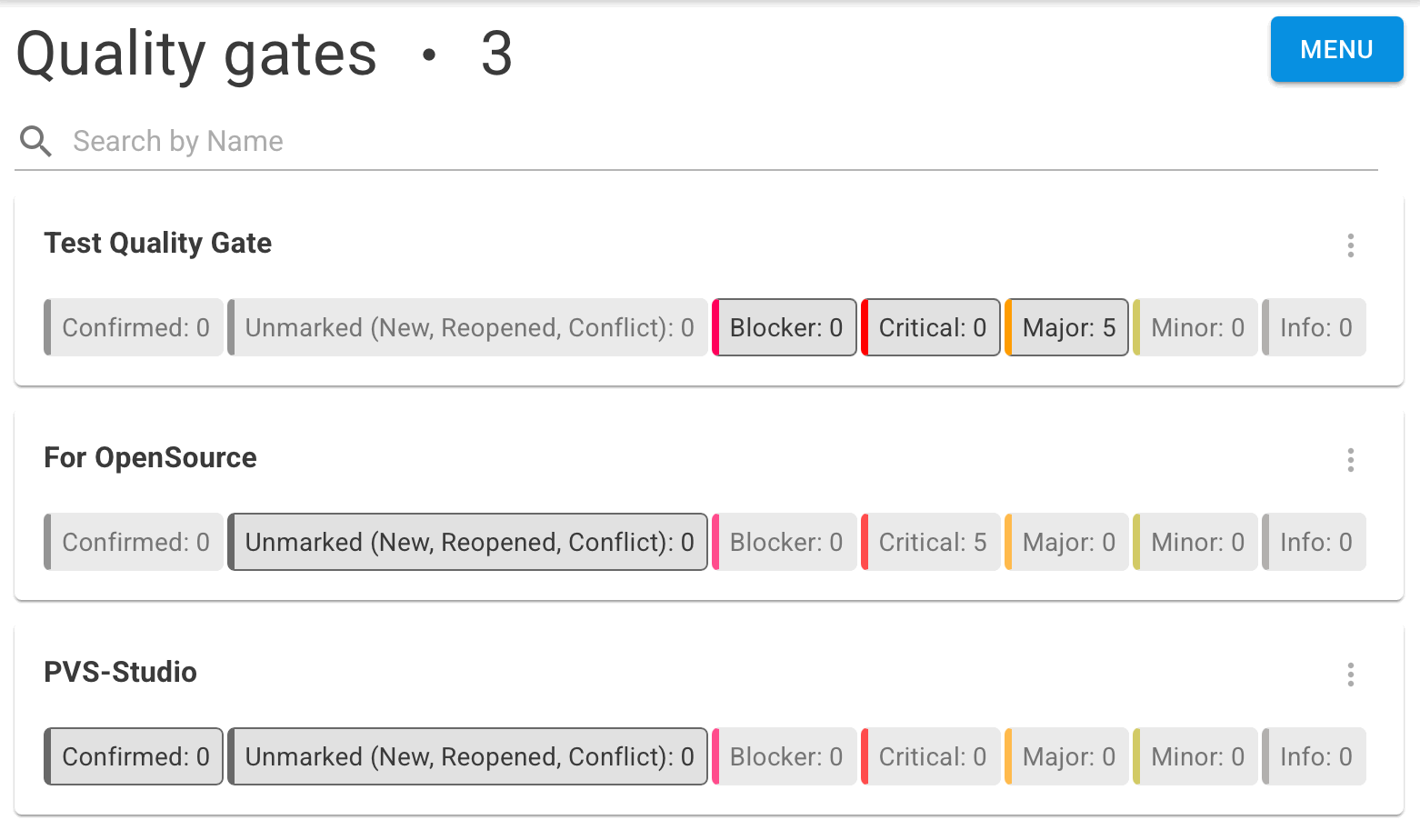
A quality gate can be created via Menu > Create quality gate or edited by selecting Edit from the quality gate menu.
Create and edit quality gates in the following dialog:
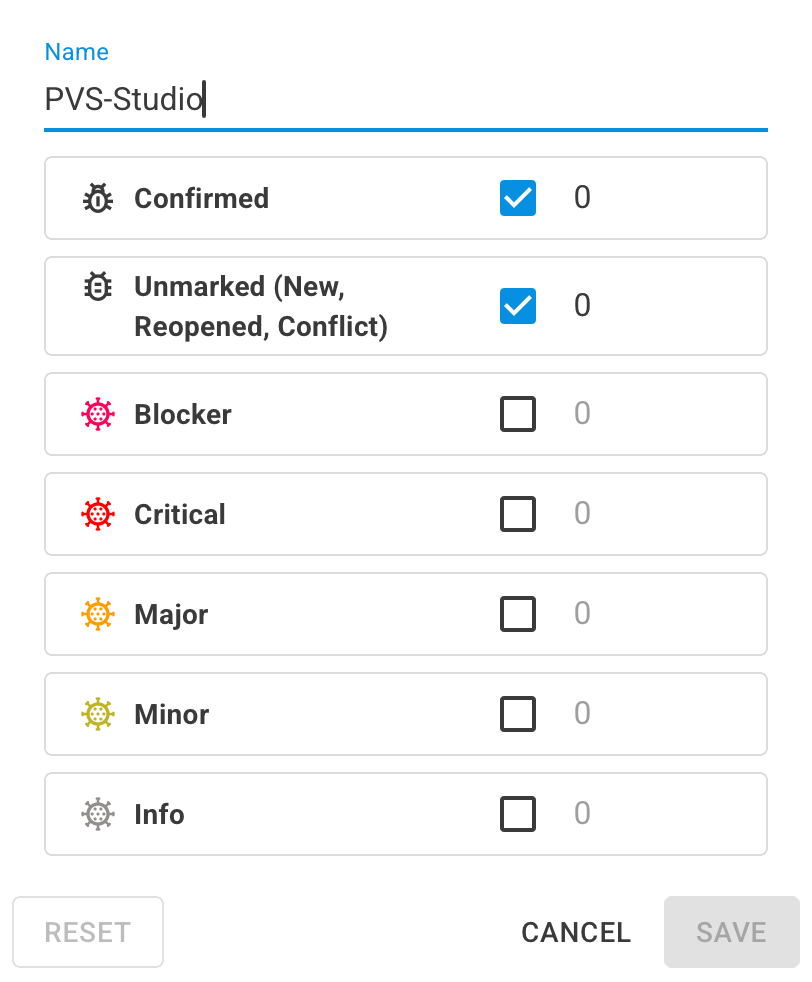
For each severity level, you can specify a threshold value. If no threshold is specified for a particular severity level, the general threshold based on the number of unmarked and confirmed warnings will be applied.
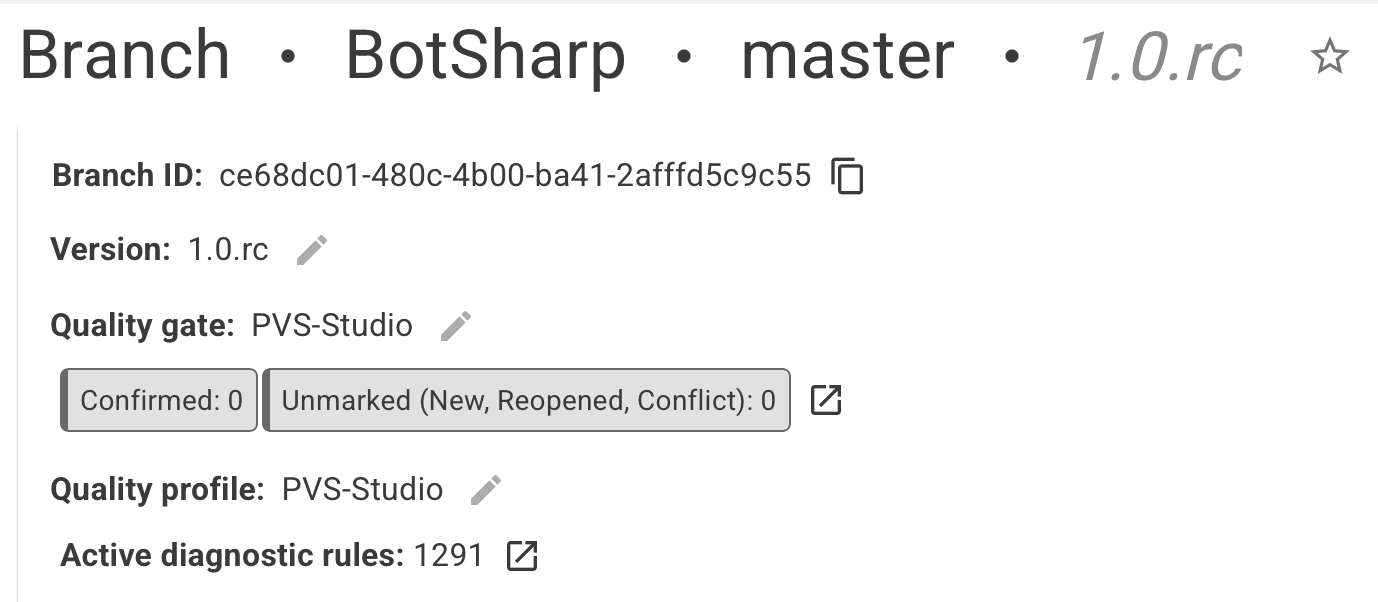
When attempting to delete the quality gate, the following warning appears:
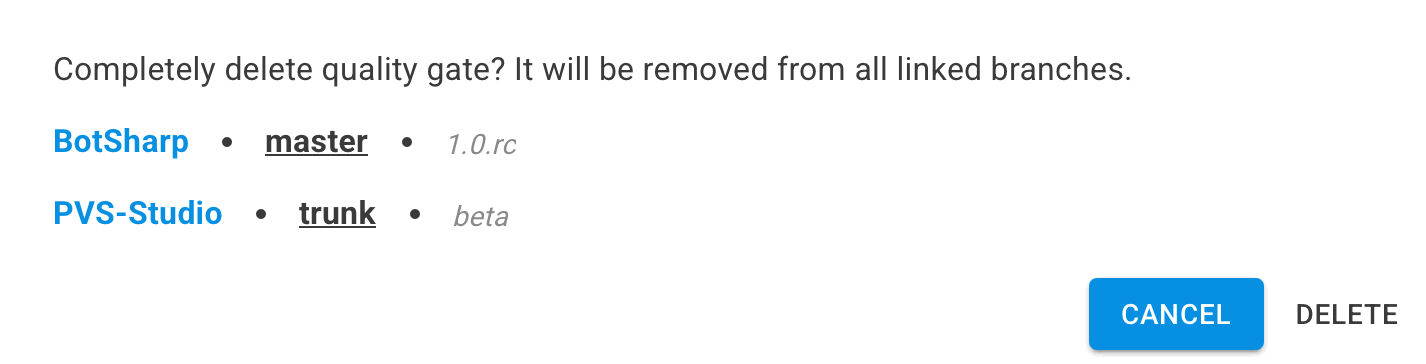
If the quality gate is deleted, it will also be removed from all branches. They will switch to the default quality gate mode: the gate will be passed only if there are no unmarked or confirmed warnings.
Was this page helpful?

Your message has been sent. We will email you at
If you do not see the email in your inbox, please check if it is filtered to one of the following folders: