
Our website uses cookies to enhance your browsing experience.



 Contents
The Atlas Server platform is included in the Enterprise license.
The following restrictions affect work in Atlas Server:
When any restriction is triggered, making changes is blocked. Access to existing data and analysis reports remains available, and markup reports can still be saved.
The license is entered on the Management > PVS-Studio license page. The page is available only to users with the Project Management permission.
The page contains license information and the Edit button:
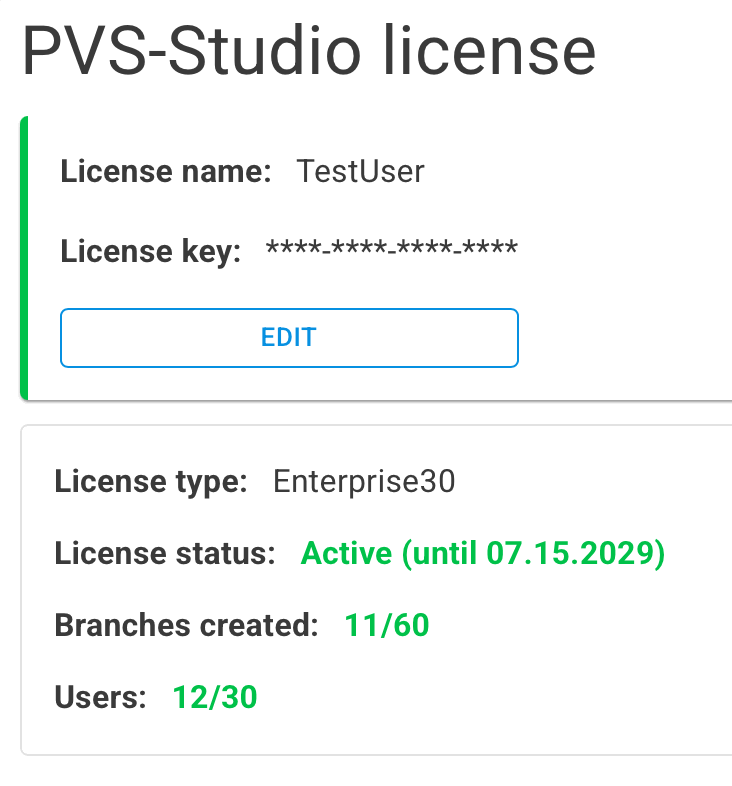
The license status can also be viewed here. It has the following color indicators:
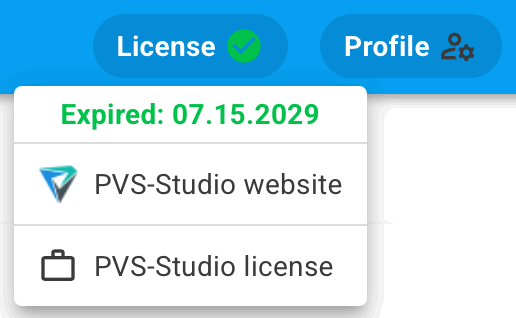
The license status is displayed on the top panel.
In the drop-down menu, you can check the license status, submit a renewal request on the website, or open the license entry/editing page.
Was this page helpful?
