
Our website uses cookies to enhance your browsing experience.


Static code analysis stopped being a tool just for developers a long time ago. For product managers, technical directors, and information security teams, it now forms part of the quality and security management system for development.
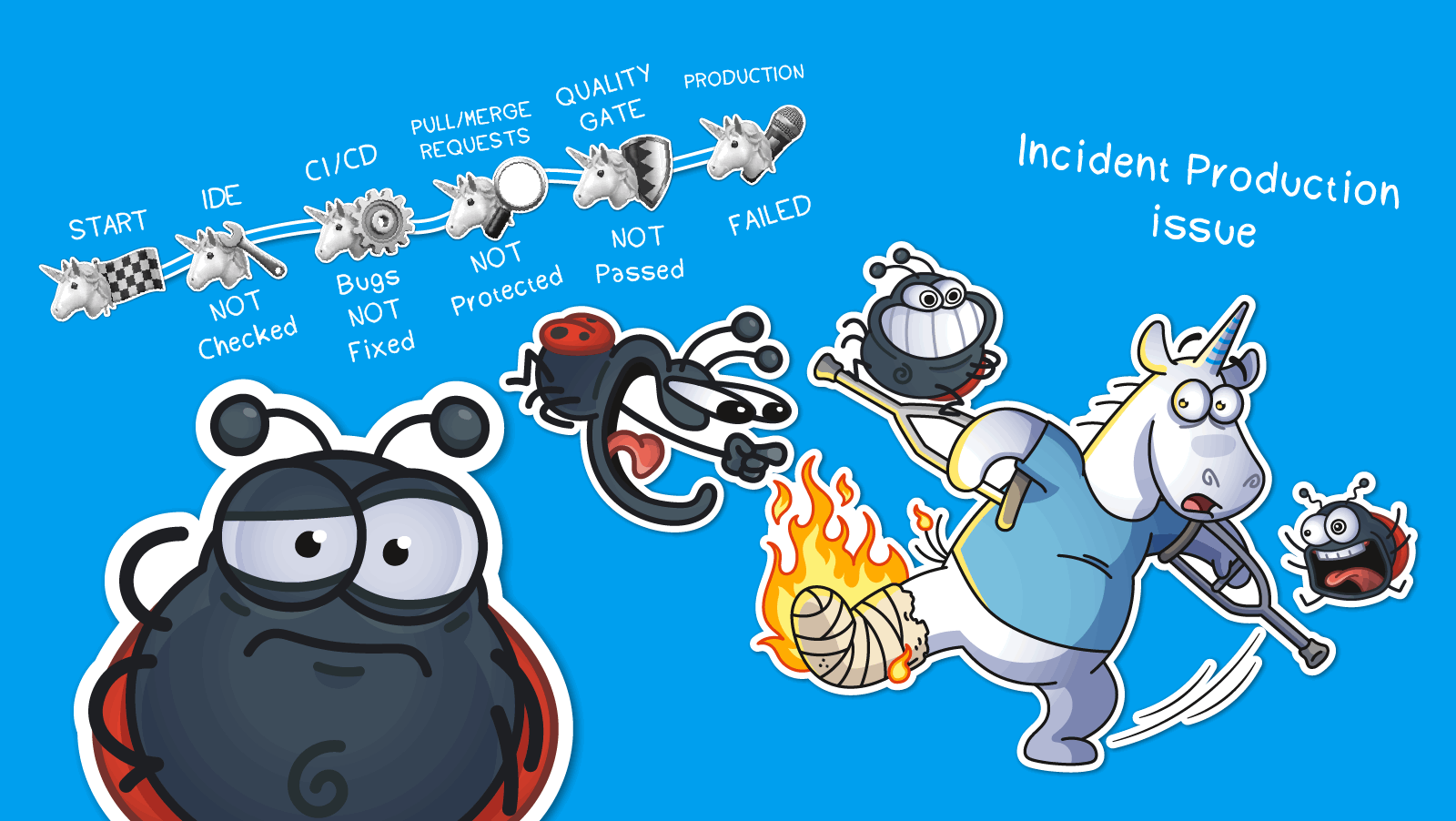
In this article, we'll walk through how to bring static analysis into your development process step by step, who's responsible for what at each step, and how to move from irregular analyzer runs to consistent, ongoing code quality control.
It all starts with determining what static analysis will actually cover. Two questions need answers: which products will be checked, and what languages those products are written in.
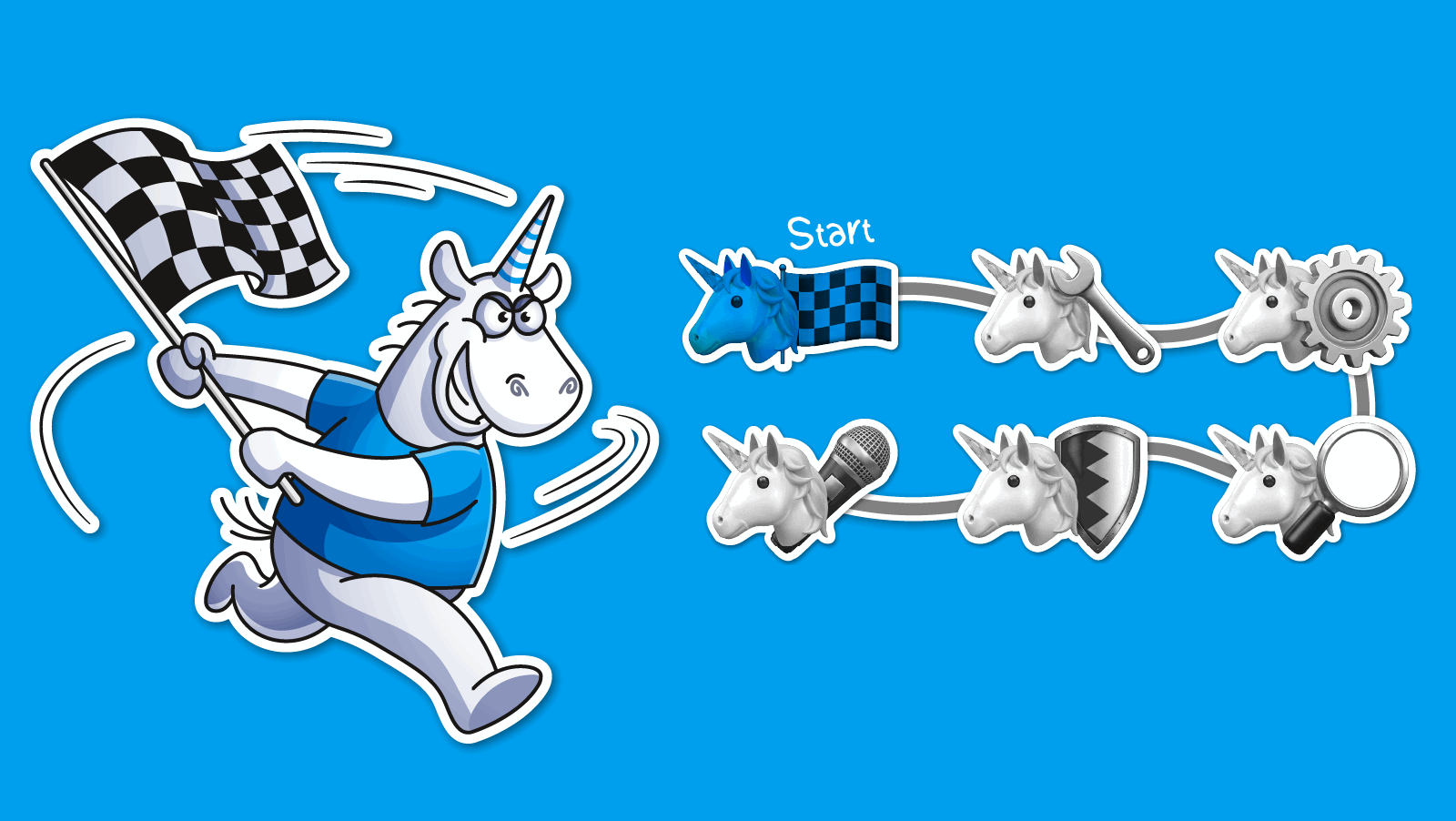
The Chief Technology Officer (CTO), product owners, and the information security team usually make this decision. Their choices determine where static analysis will have the greatest impact. They also identify which risks need to be addressed first. Then they assess whether the technologies already in use align with the languages and platforms the analyzer supports.
This stage results in a concrete list of projects slated for static analysis. It also produces an overview of the tech stacks involved.
This is also when many companies test several analyzers side by side. Our clients follow the same process. They choose PVS-Studio's SAST solution for its diagnostic accuracy, performance, and integration options. The development team also adapts the tool quickly to each customer's infrastructure.
PVS-Studio already covers C, C++, C#, and Java, and as of August 2026 it added analyzers for Go, JavaScript, and TypeScript as well. One tool can then cover several product teams at once, instead of the company relying on several specialized tools for each one.
Static analysis can be integrated into the development process at different levels. The right choice depends on the team's maturity, quality requirements, and available resources.

This is usually the first step in implementing static analysis. Developers check their code as they write it and fix issues before committing changes to version control. This approach follows the idea of shift-left testing, which pushes testing as early as possible into the development lifecycle. Errors get caught the moment they appear, when fixing them takes the least time and effort. This keeps defects from carrying over into later stages of development, testing, and production, where fixing them costs far more.
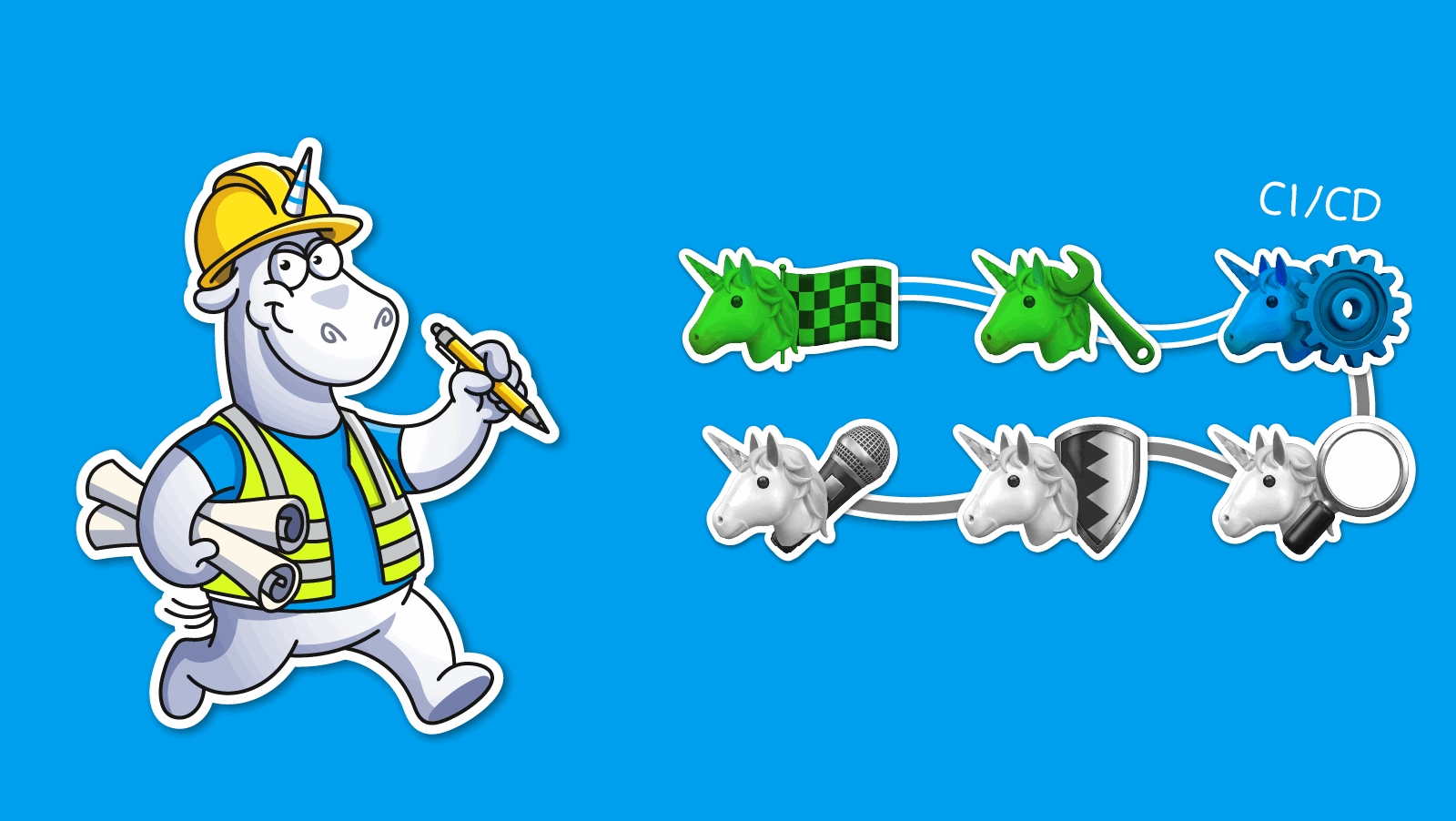
Bugs can still slip past a developer. Human error happens, and some products are simply harder to test. That's why the next line of defense is CI/CD-level analysis, where the product is built and checked automatically on a regular basis. This turns analysis into part of the standard build process and gives teams a way to track the health of the codebase. Defects get caught and fixed before changes move on to later stages of the lifecycle, which lowers the cost of fixing them and cuts the risk of bugs reaching production.
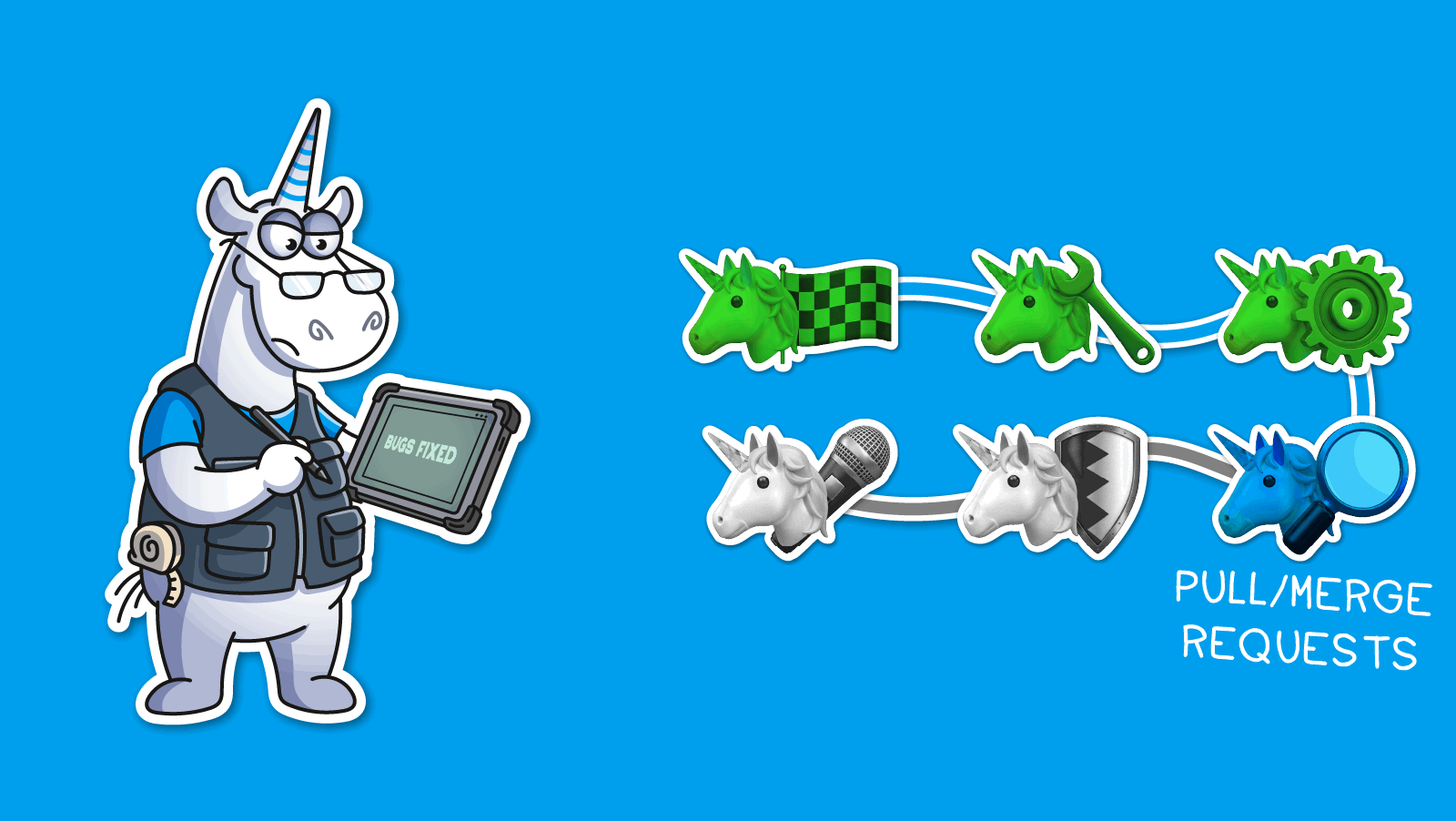
Checks at this stage catch issues right at the commit, in pull or merge requests. If your project follows a pull/merge request workflow, you can protect the repository by checking every contributor's changes automatically. A merge request only goes through, for instance, if the analyzer finds no critical errors.
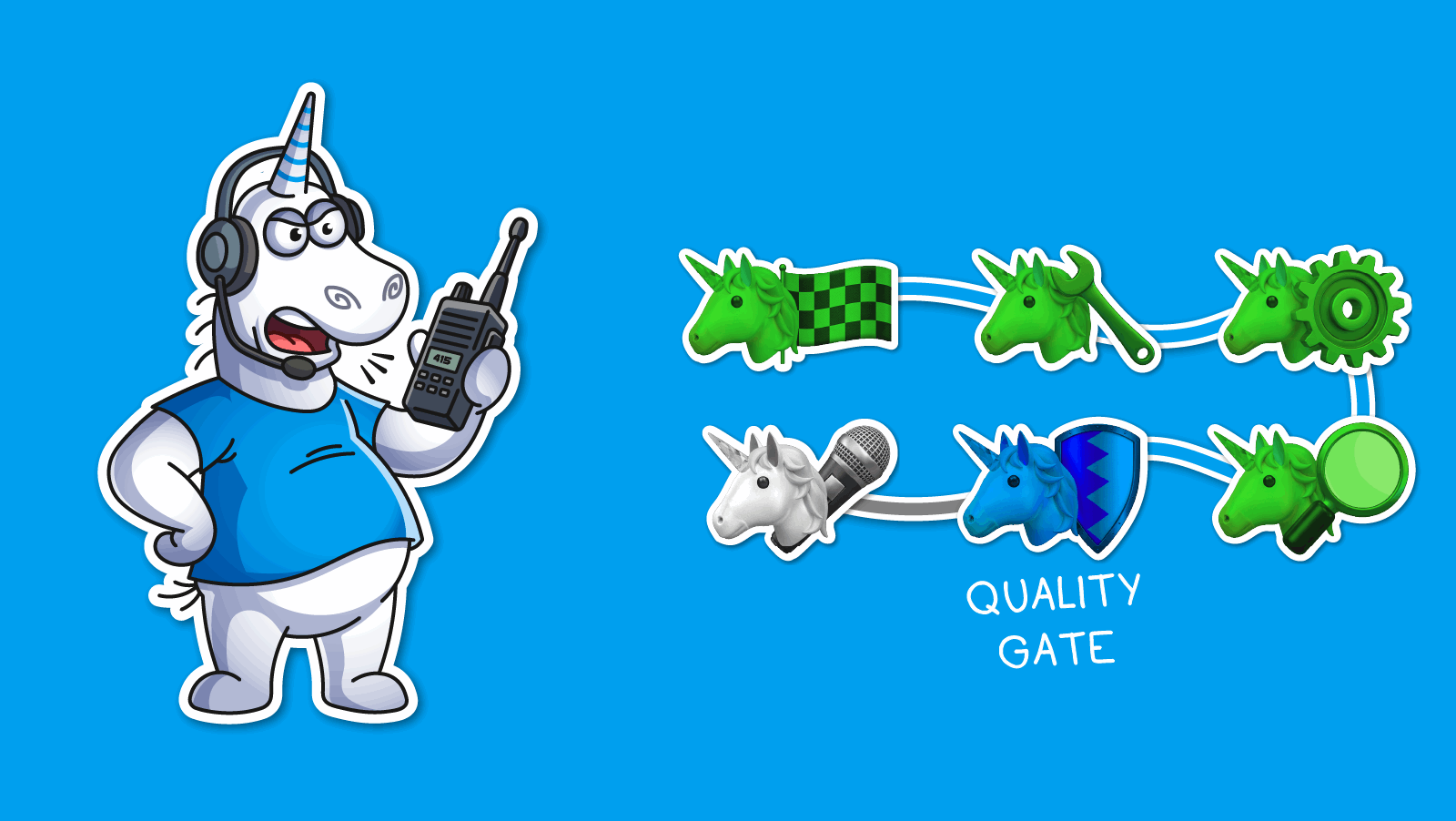
Analysis results can flow into SonarQube, DefectDojo, or similar platforms. This gives teams a consistent view of quality and security metrics across all their software products.
This is usually the stage that makes or breaks an implementation. If a tool forces teams to change how they operate, they end up treating it as a roadblock. PVS-Studio takes the opposite approach and fits into workflows as they already exist. Static analysis ends up as a natural part of development, not a separate control procedure.
Once you've decided where static analysis plugs into your pipeline, the next step is figuring out the infrastructure that will run it.
Two groups of platforms usually come into play:
The development team lead and developers decide which operating systems, build servers, and infrastructure the analyzer should run on, factoring in the tool's system requirements, licensing policy, and the specifics of the existing build pipeline.
PVS-Studio licensing policy. PVS-Studio is a tool for teams, not for a single user. Licenses come in packages tied to the number of people on the team. Here's how the licensing works.
PVS-Studio offers two types of licenses:
Curious about pricing? Take a look at this page to find the license that fits your team.
Once you've identified target projects and platforms, the next step is exploring how the tool integrates into your existing development ecosystem.
This is usually where teams hit the limits of whatever tool they've chosen. PVS-Studio was designed to integrate smoothly into existing development environments. It supports most popular IDEs, build systems, CI/CD platforms, and quality management systems, so implementation typically doesn't require changing your existing processes.
IDE integration. To make static analysis easier to use, it's worth integrating it directly into the IDEs developers already use:
Regular analysis in CI/CD. For server-side analysis, check how the tool runs on the build systems you already use. In practice, this can include:
The result is analysis that runs automatically without disrupting existing workflows.
Analysis on merge requests. To keep new defects out of the codebase, it's worth setting up analysis at the commit and pull/merge request stage. PVS-Studio can integrate with almost any system that supports merge request review. Ready-made integration scripts already exist for popular platforms like GitHub and GitLab. Command-line support and flexible automation also let the analyzer integrate with other source control systems and DevOps platforms used in your organization.
Integration with your quality-control dashboards. To track analysis results consistently across projects, it's worth using a software quality and security platform. This makes development quality measurable. Managers get consistent metrics across every project, can track compliance with internal requirements, and can quickly spot teams or products that need extra attention.
PVS-Studio integrates with platforms including:
Once integration is fully configured, the next step is setting guidelines for how the team uses static analysis day to day.
Configuring the environment for analysis. Don't turn on every diagnostic rule at once. A better approach is to review the full list, pick the rules that matter most for your project, run a first scan, and see what comes back. From there, you fine-tune: filter out irrelevant warnings and build a rule set for everyday development.
PVS-Studio lets you configure this through .pvsconfig files, options for suppressing false positives, and user annotations for functions, classes, and variables. Annotations give the analyzer extra context about what the code is meant to do. That makes the diagnostic rules more precise, cuts down false positives, and improves analysis for projects using custom libraries, frameworks, or non-standard approaches.
Building a workflow for local checks. Developers run analysis locally and clear warnings before committing changes.
Extending checks into CI/CD. From there, analysis becomes part of continuous integration.
PVS-Studio supports the following CI/CD systems and tools:
We recommend running automatic analysis both on individual commits and as part of regular nightly builds.
Establishing control over commits and merge requests. For new changes, we recommend configuring static analysis to run automatically before branches merge. This helps prevent technical debt from piling up and keep code quality consistent.
Enforcing quality gates. To automate quality control, set up quality gates in your quality management platform.
Quality gates check the build against a set of predefined criteria before letting it move forward, for example:
Tracking quality metrics over time. As the tool stays in use, it builds up a growing dataset on software quality. Reviewing that data regularly makes it possible to spot erroneous patterns, track how technical debt is trending, and ground management decisions in data rather than intuition.
Analyzing existing code is one of the most critical stages of implementation.
In large projects, the first analyzer run can surface thousands of warnings, and resolving all of them takes significant development effort. Trying to fix everything at once usually overwhelms the team and undermines trust in the tool.
Assessing the scope of the problem. Run the analysis with your chosen configuration and get a total count of the issues detected.
Establishing a baseline. PVS-Studio's mechanism for suppressing warnings, known as baselining, covers two common scenarios:
Baselining suppresses the analyzer's existing warnings so they no longer show up in future reports. It doesn't require any changes to the project's source files. That lets the team focus on catching new defects instead of having to fix every issue in the legacy code right away.
Planning fixes for critical issues. The next step is to develop a plan to address the most critical warnings that must be resolved before the tool can be put into full operation.
Reducing technical debt incrementally. Once static analysis is up and running, the team can steadily work down the backlog of existing issues, improving code quality and security without slowing down development.
Bringing PVS-Studio into your workflow isn't about installing a standalone tool. It's about building a full-fledged process for software quality and security. Static analysis delivers the most value when it's integrated into every stage of the development lifecycle, from a developer's own machine to centralized quality management systems.
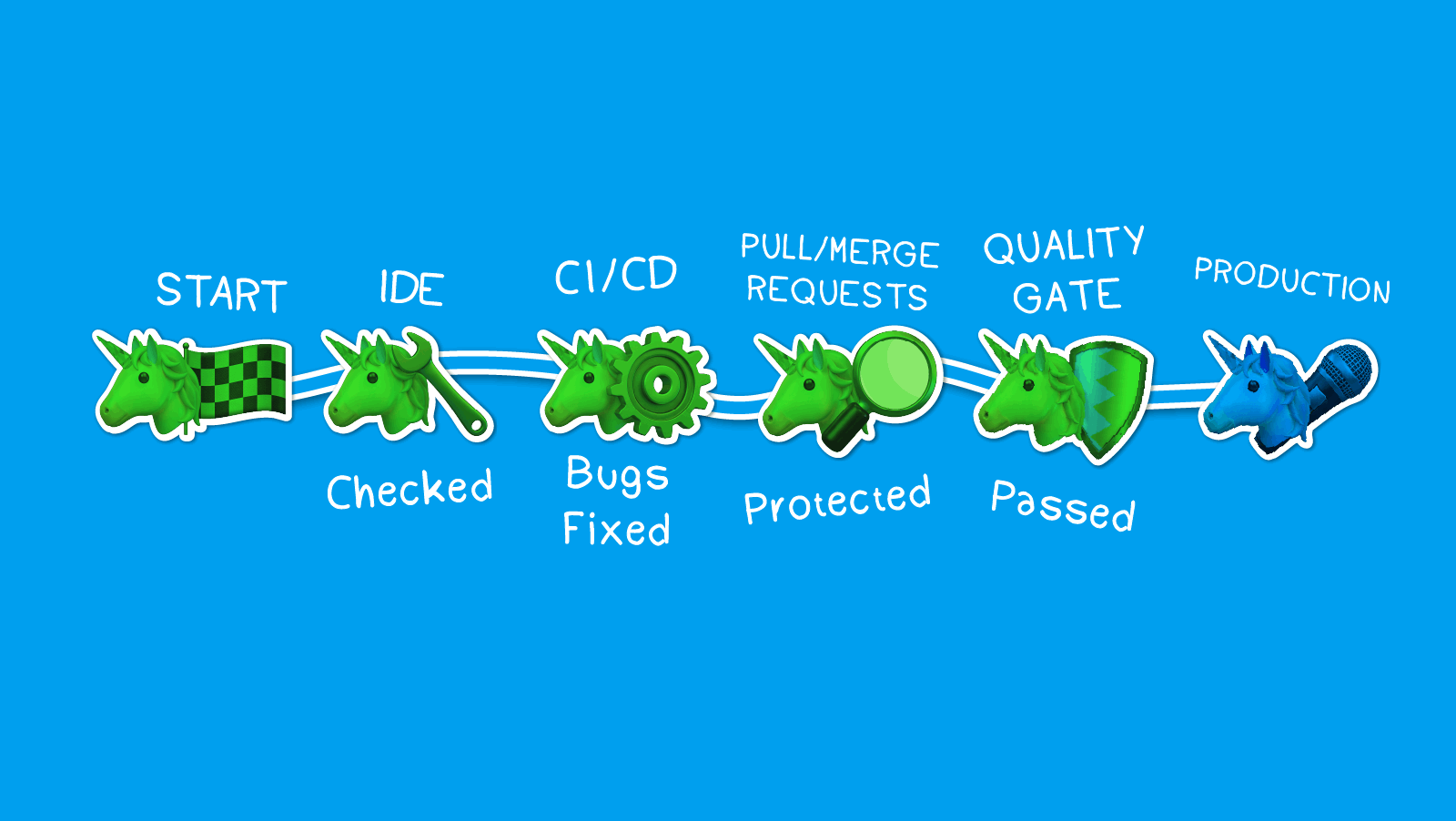
Following these steps in order helps minimize implementation risk, keeps the transition to new development practices under control, and builds a solid mechanism for catching errors before they ever reach production.
PVS-Studio today is used by companies with very different development requirements: from game studios to network equipment providers, teams building real-time operating systems, and more. Despite the differences in their products and processes, they've all arrived at the same conclusion: static analysis is no longer a one-time check. It's become an ongoing mechanism for improving code quality, security, and the maturity of development practices.
If you'd like advice on introducing and configuring PVS-Studio for your team, join a product demo with our developers. In a technical walkthrough, we'll cover PVS-Studio's features and integrations, show the analyzer in action, go over sample results, and answer your team's questions. Demos typically run 30 to 60 minutes.
To try the analyzer yourself, get a free PVS-Studio trial license. See this link for details.


0
0
0


0